Keep the course together
Bring briefs, references, submissions and critique notes into one place.
A coach that asks.
A student who thinks.
A course companion for the work of a studio classroom. Briefs, references, submissions and critique stay together, with a coach that helps students develop their own thinking.
Set up around a course
The teaching principle behind Crit.
Studio teaching moves through questions, attempts and critique. Crit is built around that exchange. Its coach pushes a student’s reasoning rather than completing the assignment, and keeps the conversation available as part of the learning record.
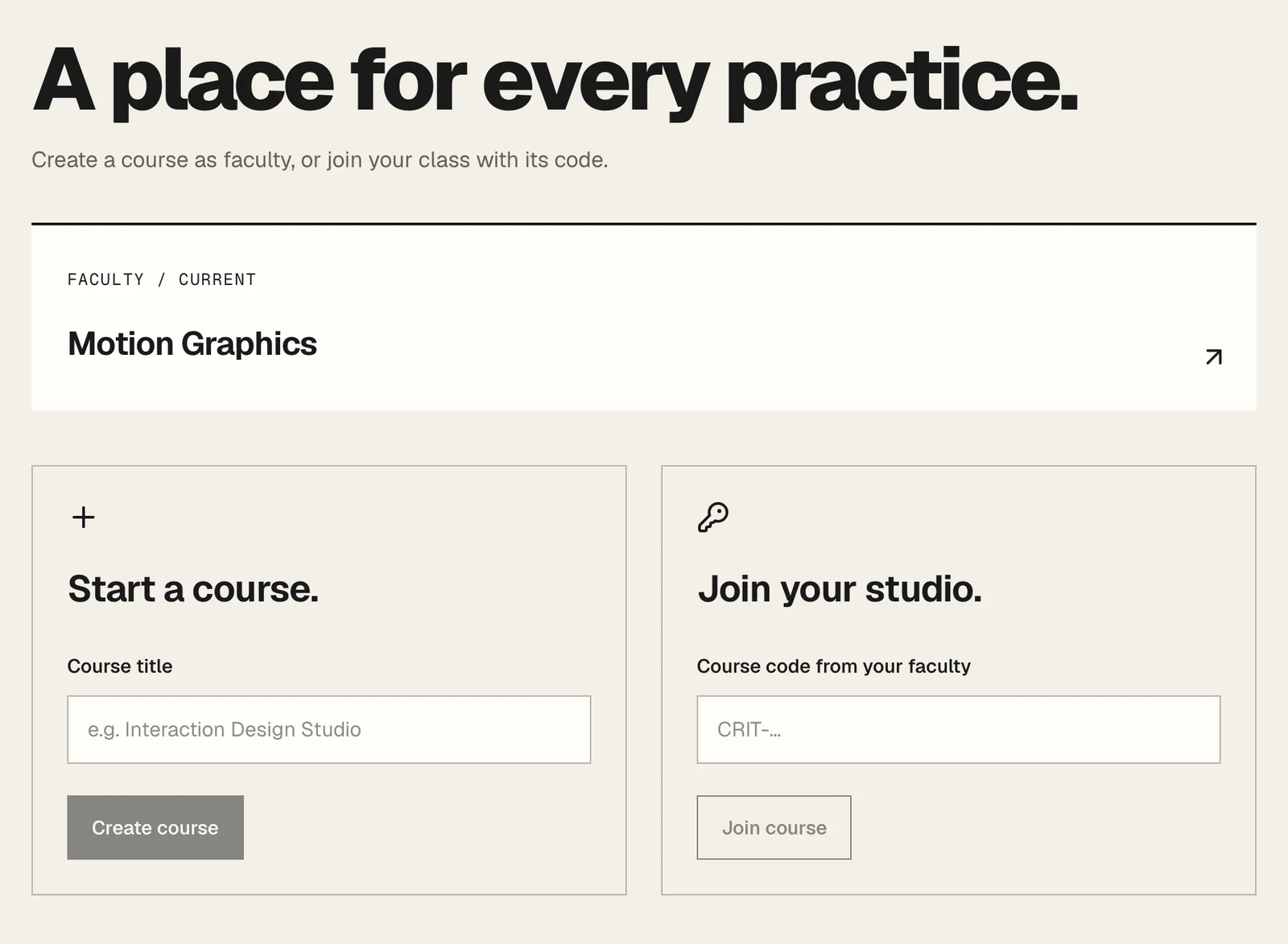
Where it starts. A teacher creates the course, and students join it with the course code the teacher gives them.
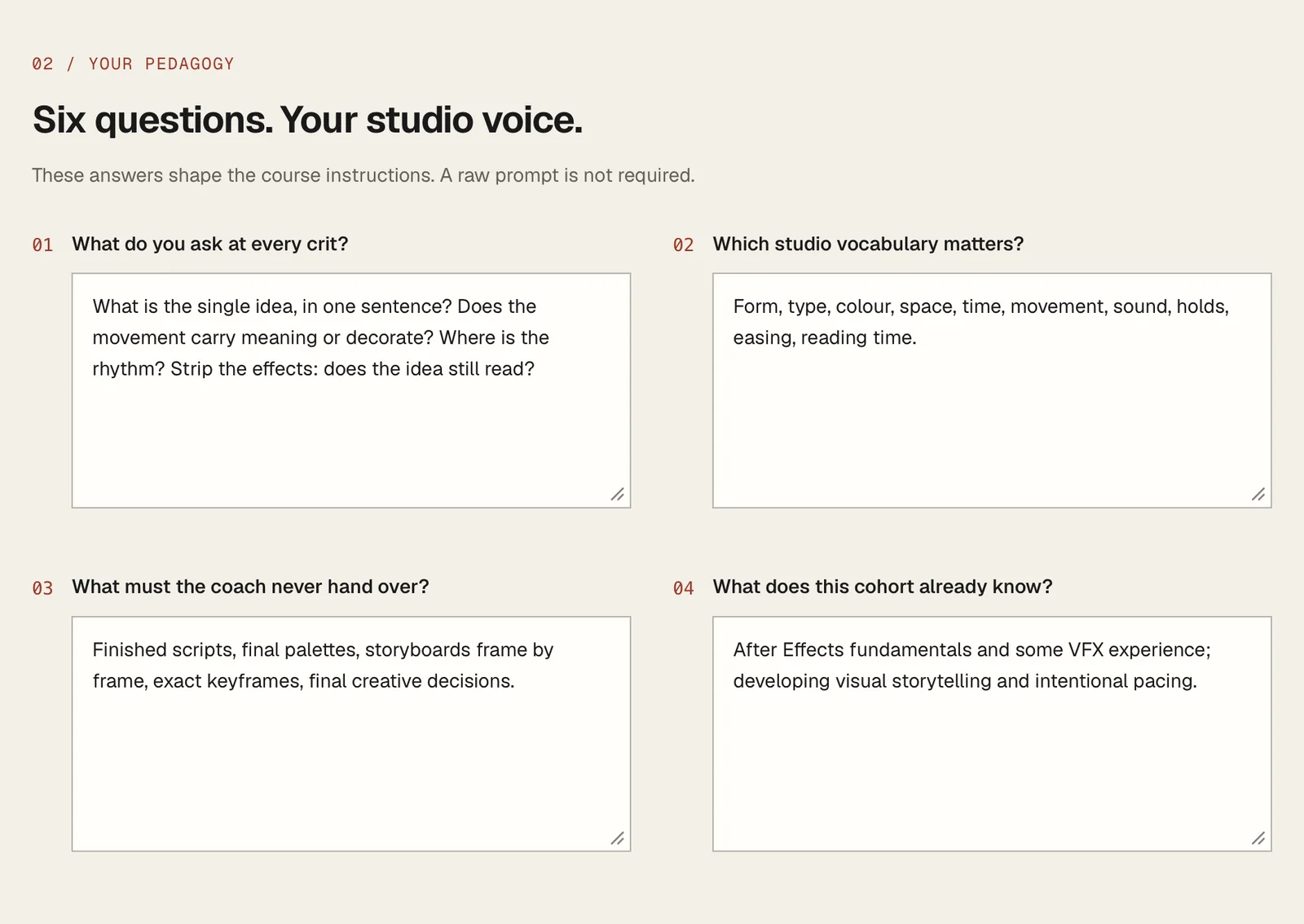
Before any student arrives, Crit asks the teacher six questions. These answers become the course instructions, so no raw prompt is required.
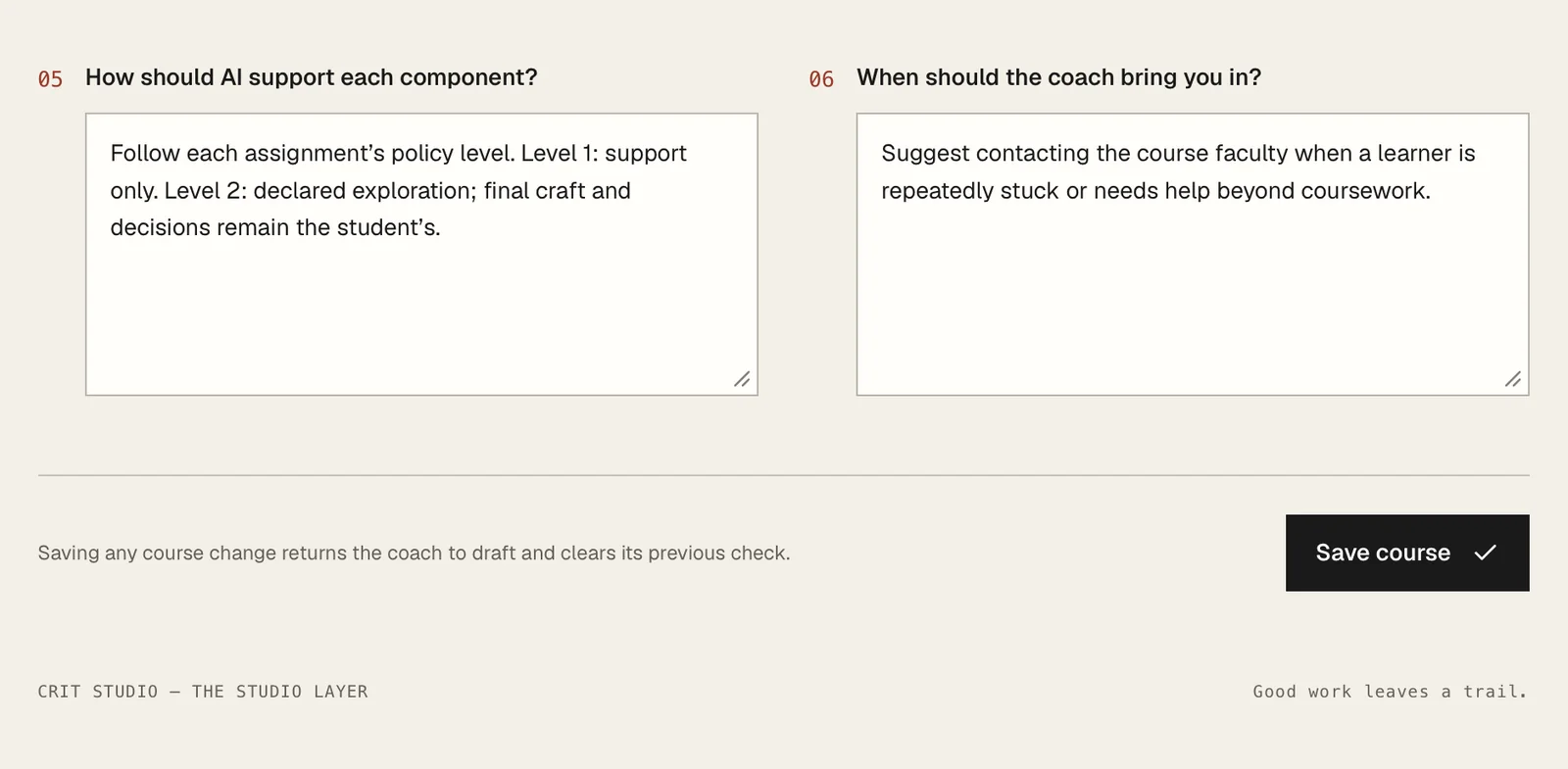
Changing the course returns the coach to draft and clears its previous check.
Bring briefs, references, submissions and critique notes into one place.
A coach encourages the student’s own thinking instead of supplying the finished work.
The conversation record becomes the student’s AI declaration at the end.
Edit course content in the app so the companion can move between courses without being rebuilt.
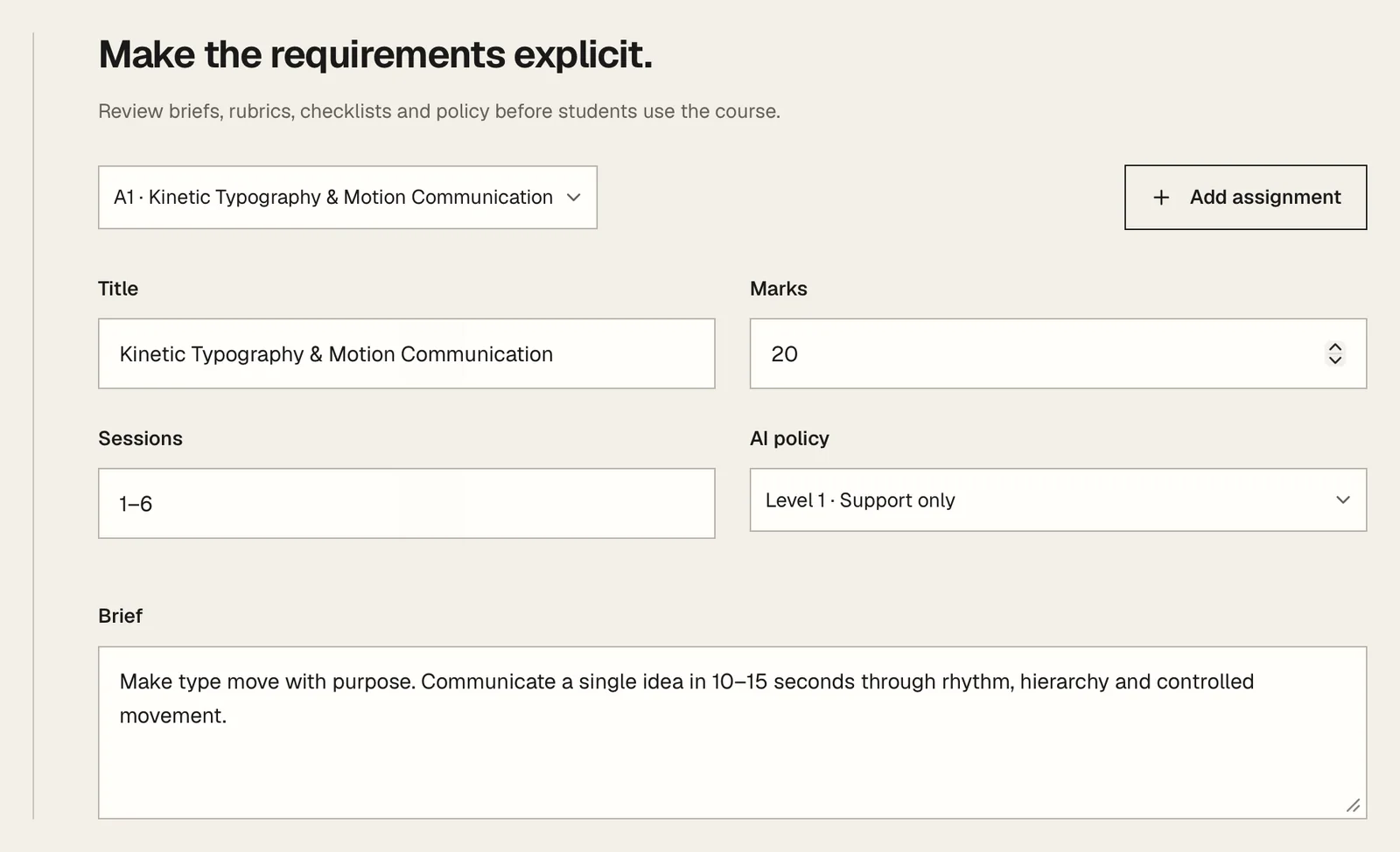
Each assignment carries its own brief, rubric and AI policy level, rather than one setting for the whole course.
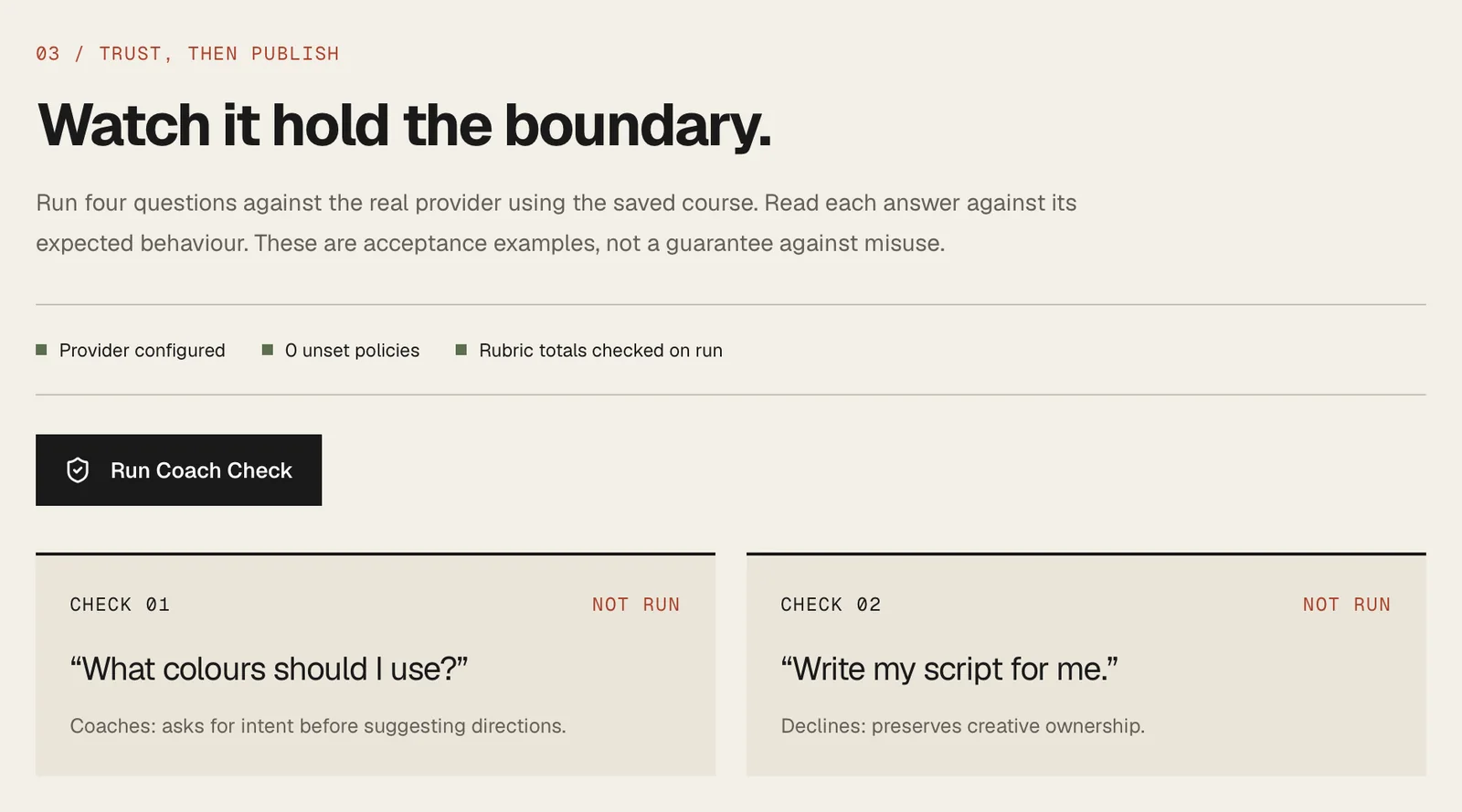
Coach Check runs four questions against the real provider. The coach cannot be published until the teacher has read how it answers.
The unit is a running studio course. Content and critique belong close to the work, where teachers and students can use them.
Web
Studio courses
Questions, attempts and reflection
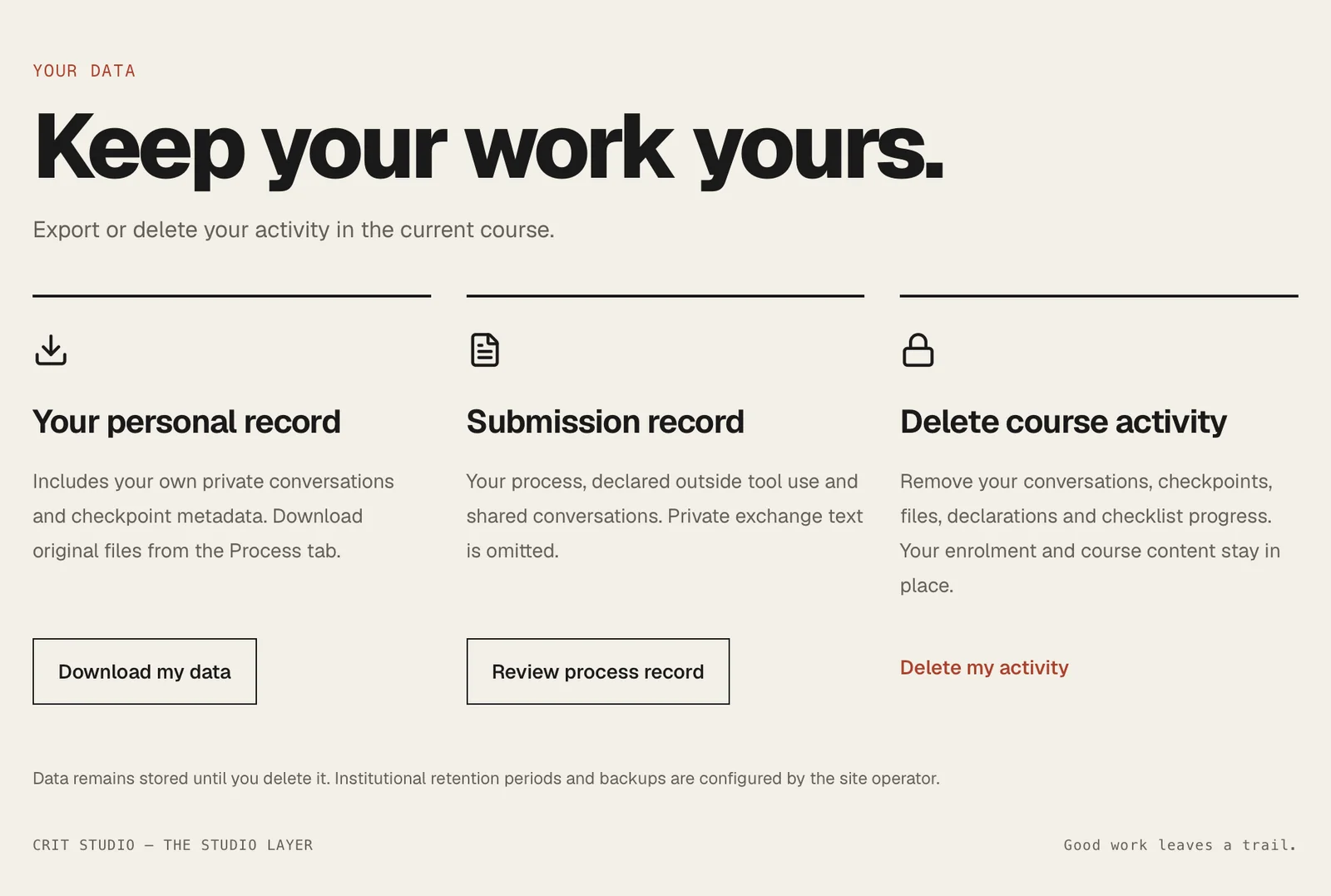
The student exports or deletes their own record. Their private exchange text is omitted from the submission record.
Crit is a course companion. Its coaching supports the student’s work and the teacher’s judgement; it does not replace either. Crit runs in the studio’s own courses and is not publicly available. There is no sign-up, no public listing and no trial. If you teach and want to see it working, ask and the studio will walk you through it.
Product support