Send real layers
Rectangles, ellipses, text and filled frames arrive in After Effects as editable layers.
Let the design travel.
Keep the decisions intact.
The connection between a Figma frame and an After Effects composition. Carry shapes and text into actual layers, then bring palettes back as Figma paint styles.
Works with Crit Panel for After Effects
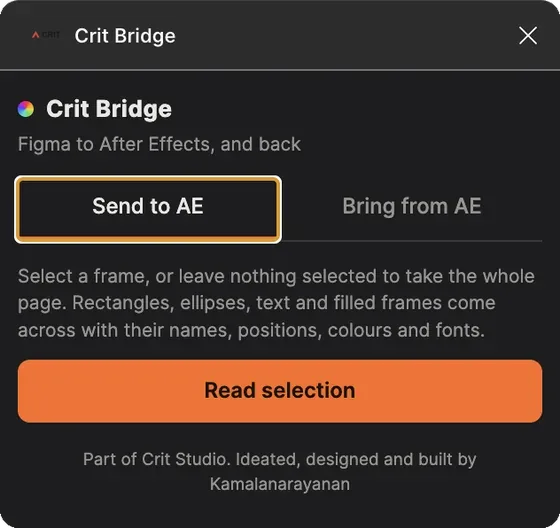
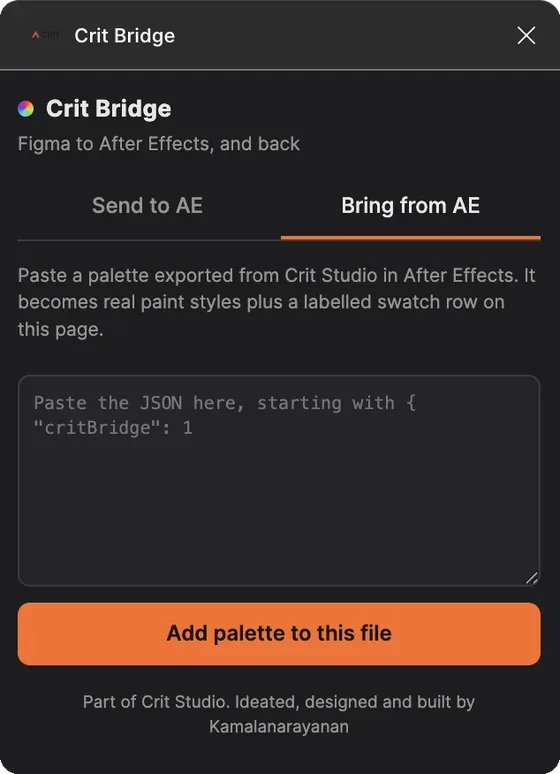
Both directions of the same plugin: Send to AE and Bring from AE.
Names, positions, colours and typography are decisions, not incidental details. Rebuilding them in another application introduces a second round of work and a new opportunity for drift. CRIT Bridge carries supported design elements into After Effects and makes missing fonts visible at import.
Rectangles, ellipses, text and filled frames arrive in After Effects as editable layers.
Layer names, positions, colours and fonts travel with the supported elements.
Fonts that are not installed are reported instead of silently substituted.
Paste palette JSON from Crit Panel to create Figma paint styles for the return journey.
CRIT Bridge handles the Figma side. Crit Panel handles the After Effects side. Send the frame in one direction, bring the palette back in the other.
A selected frame or the whole page
Supported shapes, text and filled frames
Palette JSON becomes paint styles
The return journey uses pasted JSON. It is not a live connection: edits made after an import do not update existing After Effects layers automatically. Send the frame again when the design changes.
Product support