Six ways to build a harmony
Monochromatic, analogous, complementary, split complementary, triadic and tetradic relationships from one base colour.
Make the colour decision.
Keep making the work.
A dockable colour panel for After Effects. Start with a base colour, build a harmony and apply the palette across selected layers without leaving the composition.
CEP extension · Open student build
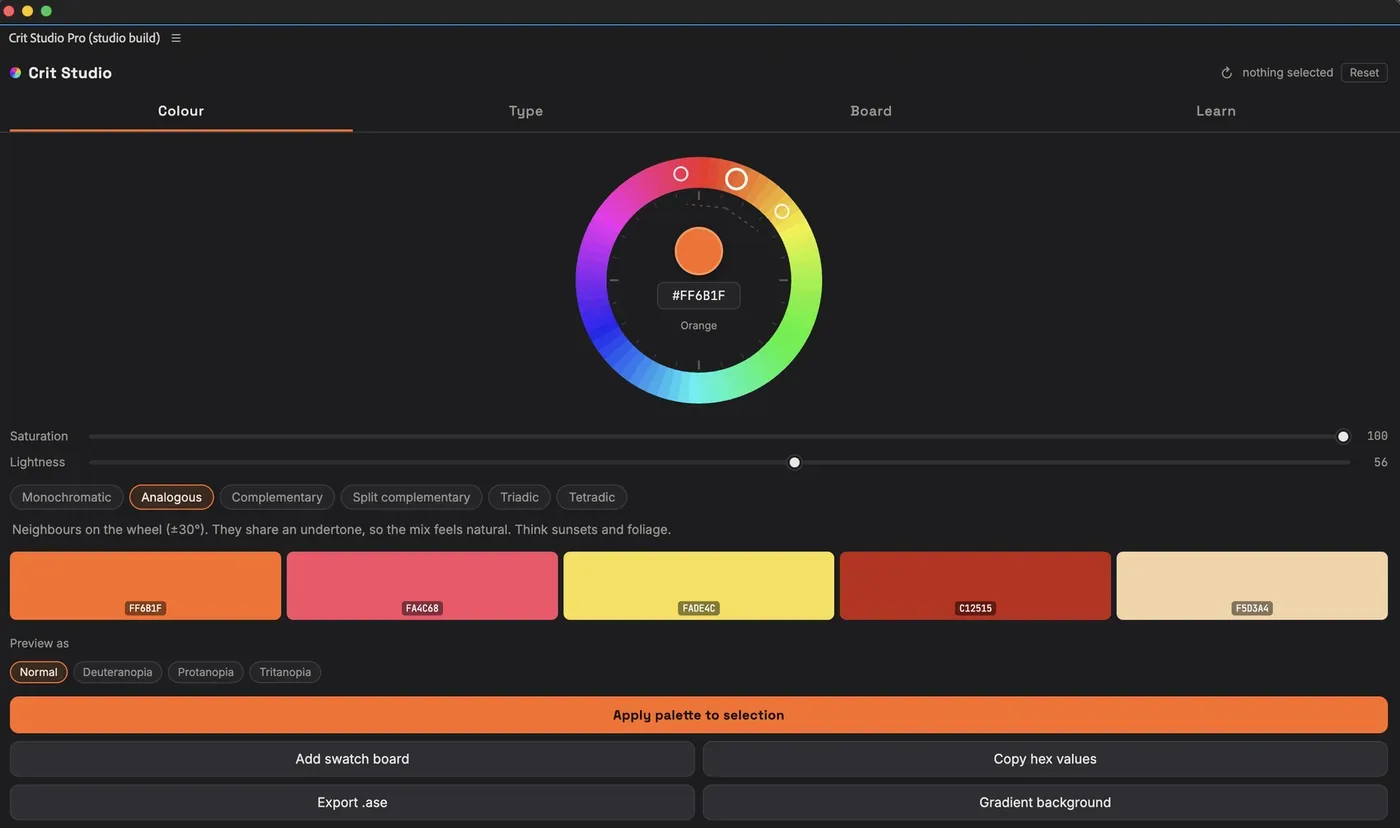
The actual panel: a chosen base colour, an analogous harmony and the resulting swatches.
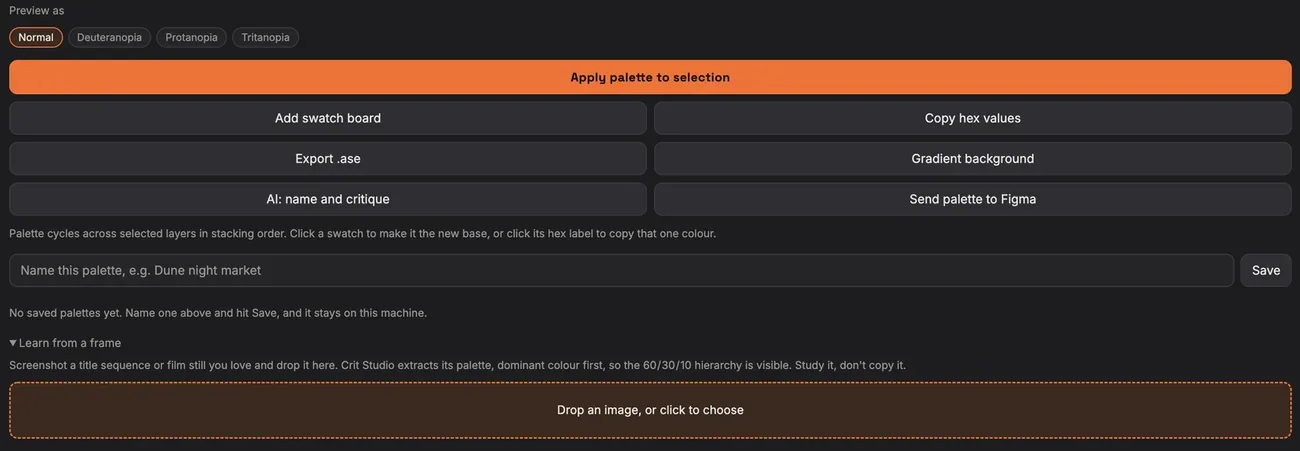
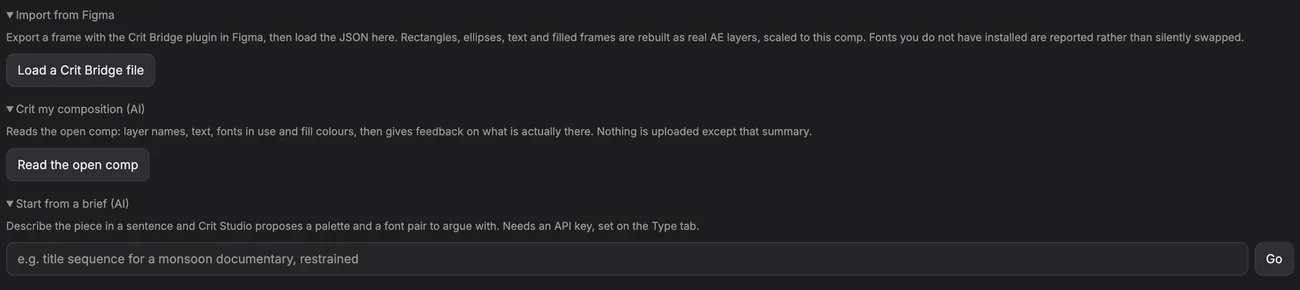
Applying a harmony to selected layers, and receiving a palette sent across from CRIT Bridge.
A palette chosen in another window still has to make its way into the composition. Crit Panel brings the decision and its application together: choose the relationship between colours, inspect the palette, then put it to work on the selected layers. It came from the everyday friction of making, teaching and handing off colour.
Monochromatic, analogous, complementary, split complementary, triadic and tetradic relationships from one base colour.
Inspect the palette through deuteranopia, protanopia and tritanopia previews before using it.
Apply colours to selected layers, add a swatch board or build a gradient background inside the composition.
Export .ase, copy a hex list or send a palette to CRIT Bridge in Figma as paint styles.
The student build unlocks every core feature without a licence key or activation. AI features use your own API key. The studio build adds a configured AI layer, team-managed keys and direct support.
Base colour or a palette extracted from a still
Palette naming, critique and brief-led exploration
Download from GitHub; install as a CEP extension
Saved palettes stay on the machine where they were made. AI features require an API key in the student build. Composition feedback needs an open composition. For studio licensing, contact licensing@critstudios.com.
Product support