Remember the stop.
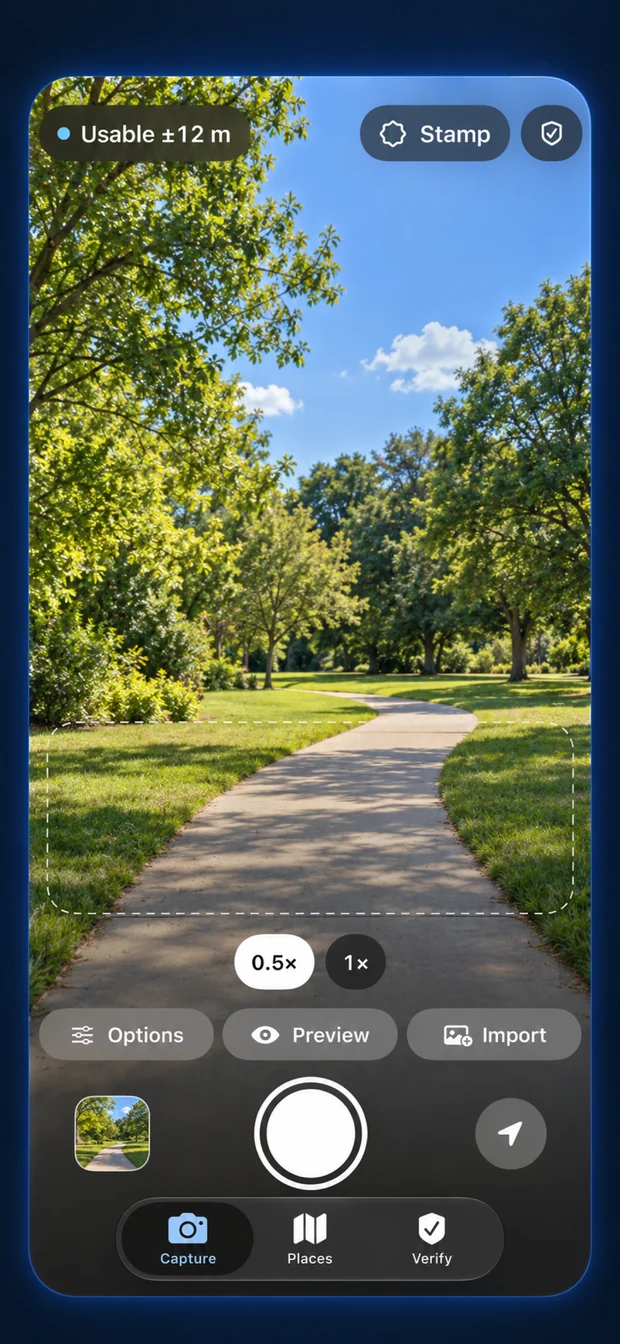
Keep the place, capture time and reported location accuracy with the photo you want to come back to.
Small apps and plugins for creative work.Give your photos a character, keep the details of a site visit, or learn colour by trying. Made by an independent studio in Hyderabad.
A trip, a repair, a day in the field. Keep the photo with its measured location, time and notes, then share a readable report.
Free · No account · No ads · iOS 26 or later
Keep the place, capture time and reported location accuracy with the photo you want to come back to.
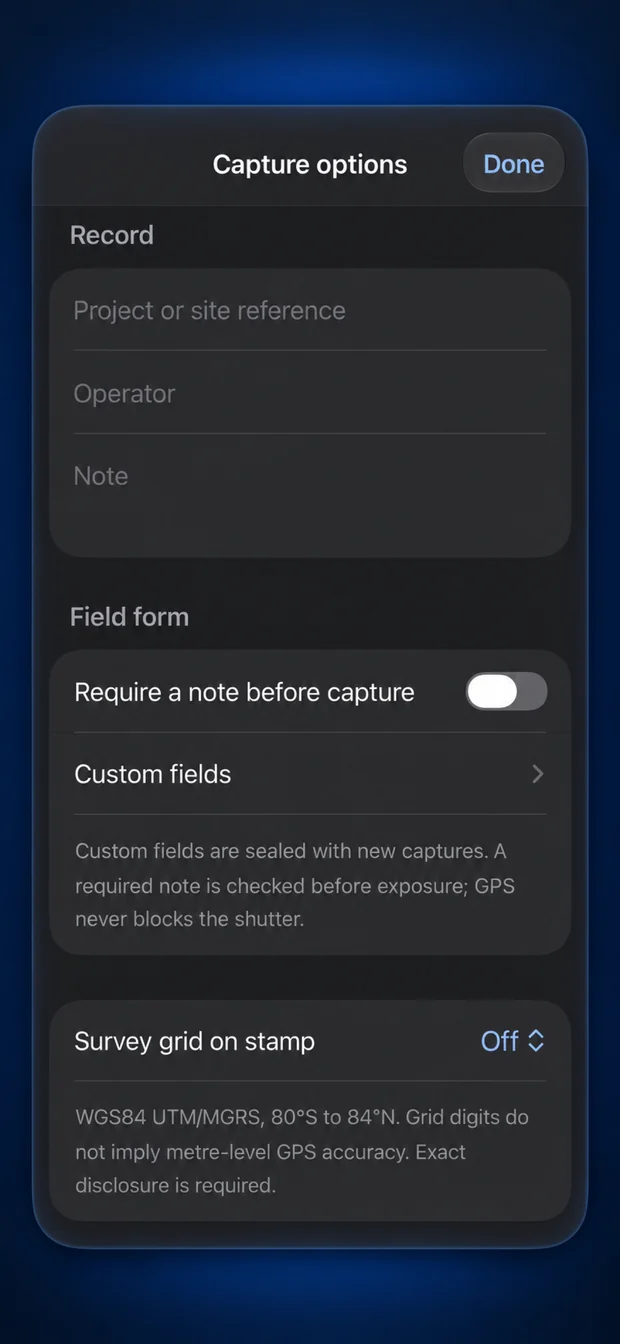
A repair, a renovation, a handover. Add a note and project reference while the details are fresh.
Connect each photograph to measured location and your field notes, then share a useful report.
Free on the App Store. Choose an app to see it in action.
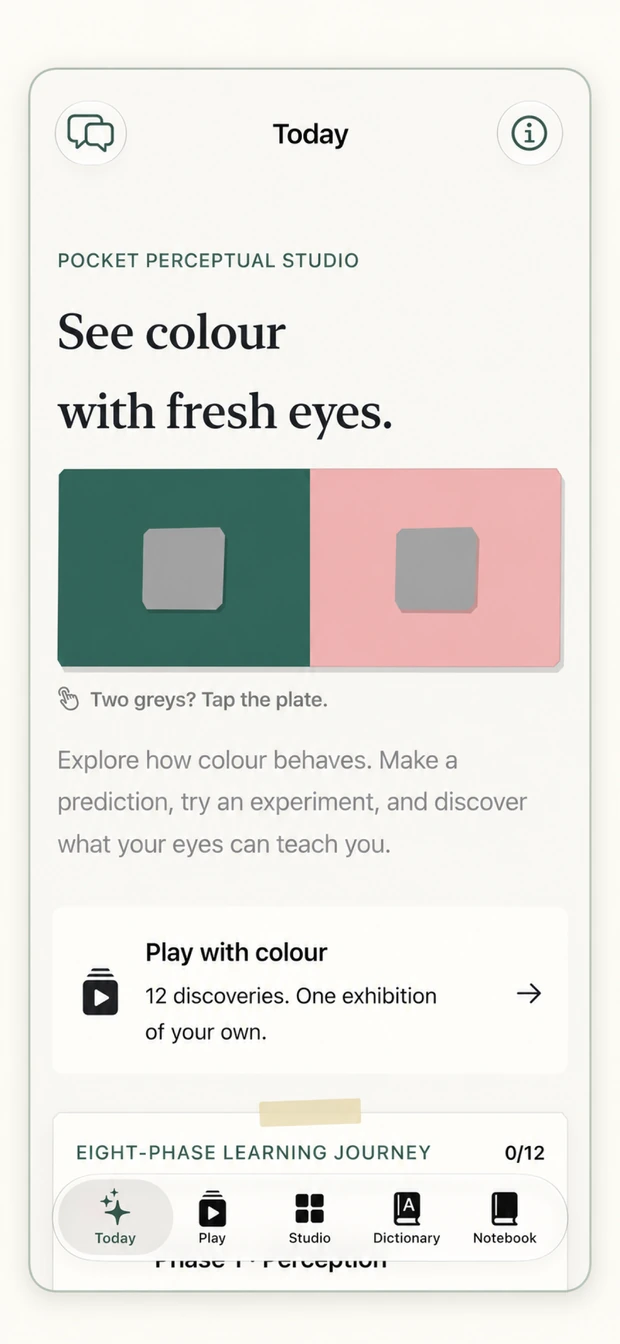
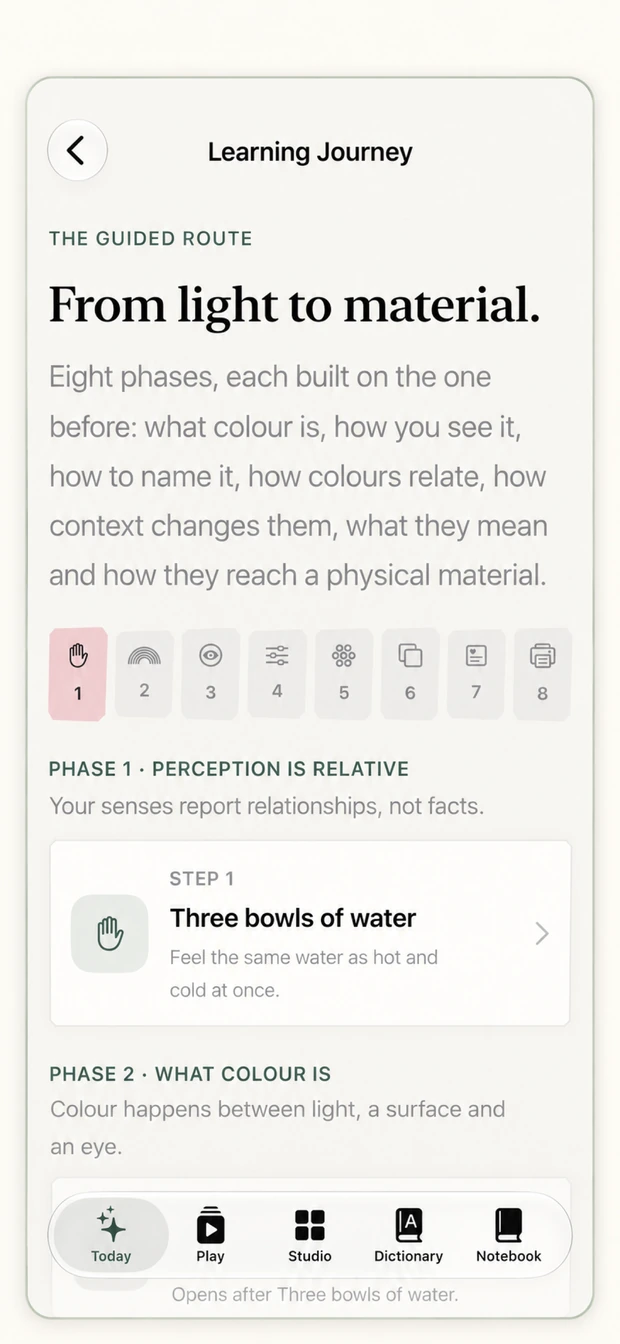
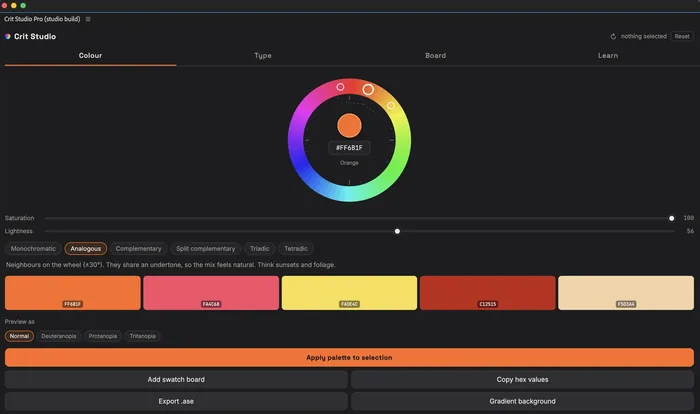
Learn how colour changes with context, then turn a palette into a practical specification.
Get Colour Studio ↗Keep photos, measured location and notes together. Share a clear PDF report after the visit.
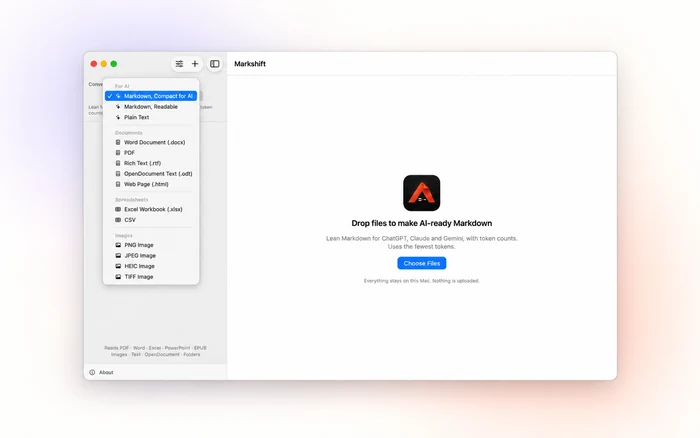
Get Bearing ↗Turn documents, spreadsheets and images into the format your next step needs. Everything stays on your Mac.
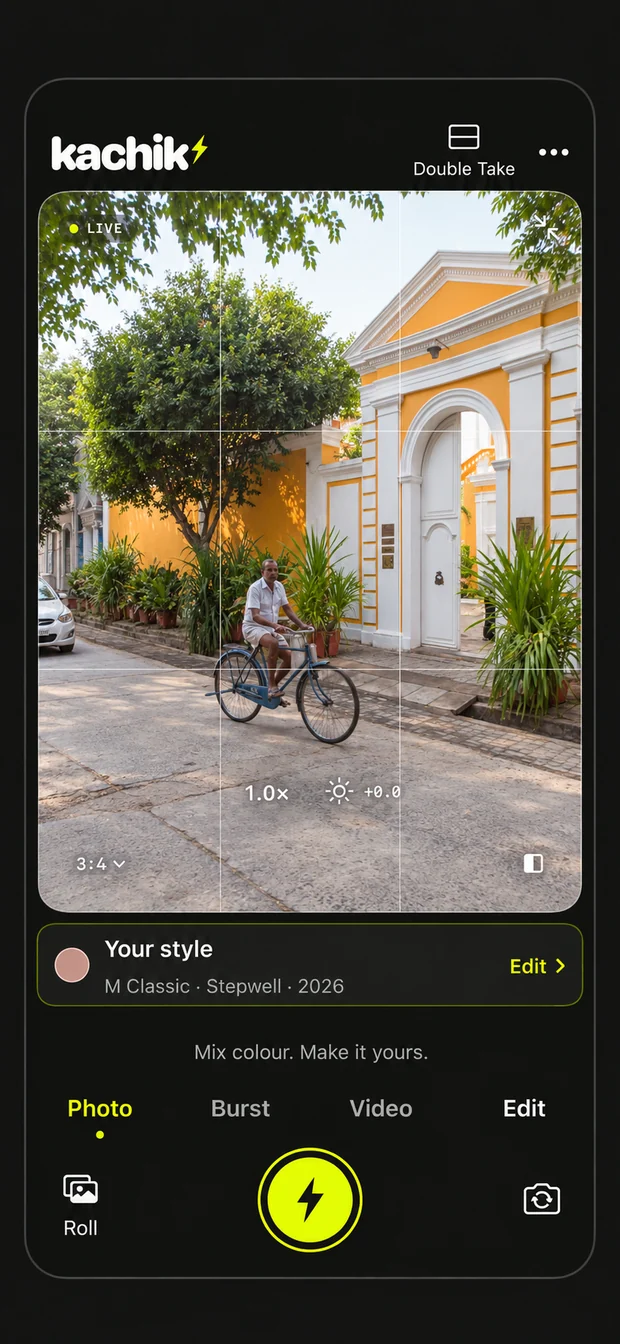
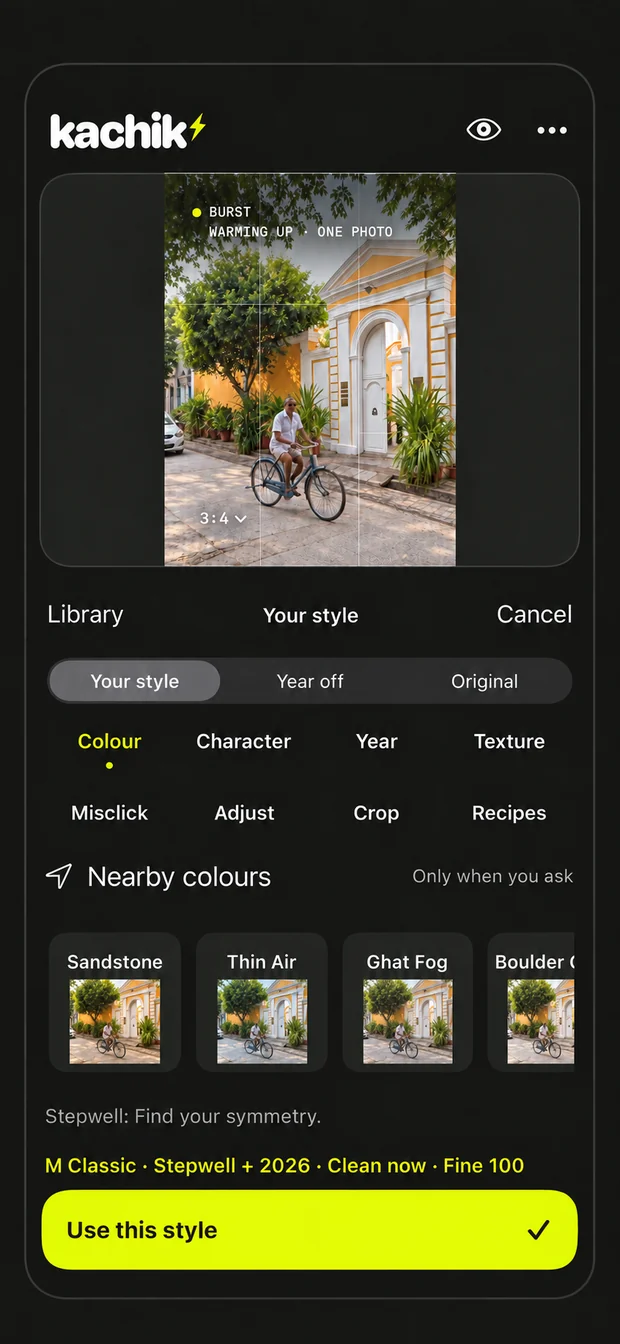
Get Markshift ↗Give photos and short clips your own colour and camera character. Save a look and use it again.
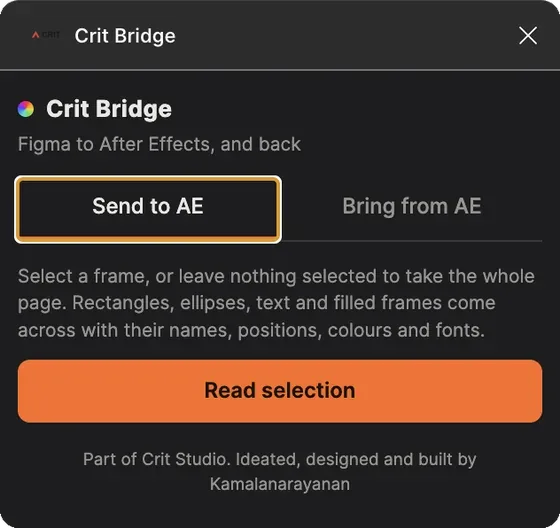
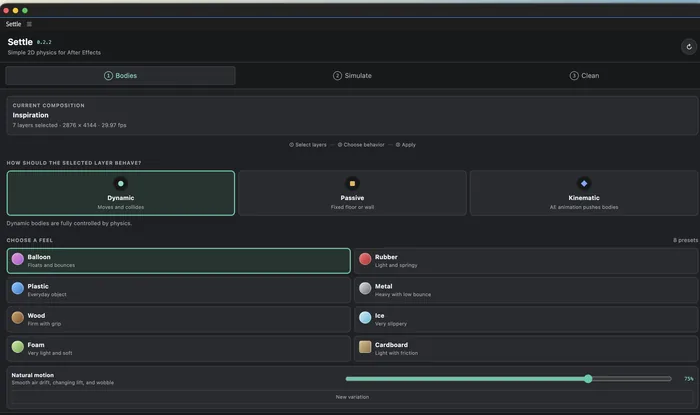
Get Kachik ↗Install once. They work inside the software you already use.
Colour decisions, made where the work happens.
GitHub ↗From the design frame to the timeline. Keep your decisions intact.
Figma ↗Give a layer weight, then keep the keyframes.
GitHub ↗In use privately, or still being built. Ask if you want to see one.
A course companion that helps students think through the work, with a coach that asks rather than answers.
Make the green screen decisions while you can still move something.
CRIT Studio turns recurring problems in creative practice and the classroom into tools people can use. Each one starts with a task that could work better, then improves through use and critique.
Run by Kamalanarayanan Kamalakannan in Hyderabad. He spent three years as a compositor on international features, kept the practice going after leaving the industry, and now leads Communication Design at Woxsen University’s School of Arts & Design.
A field photo says where it was taken, but not how sure the phone was. Bearing starts from that gap: record the accuracy, not just the pin.See the tool ↗